Using filters
Filters are used to restrict data selections. On some filters you can select only one record, on other multi-select filters you can select multiple records.
- On a screen, click Search
 to open the filter results list.
 - If the Results list is a single-select box, make a selection from the list and click OK.
- If the Results list is a multi-select box, move your selection to the right-side panel using the arrows, or double-click your selection and click OK.
| Single-select box | Multi-select box |
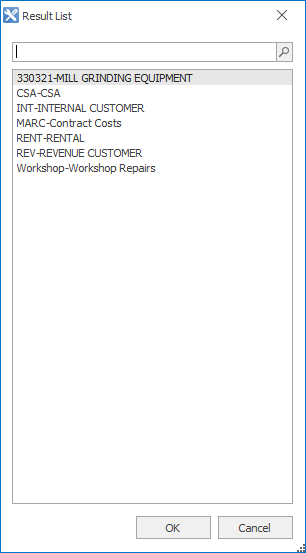
|
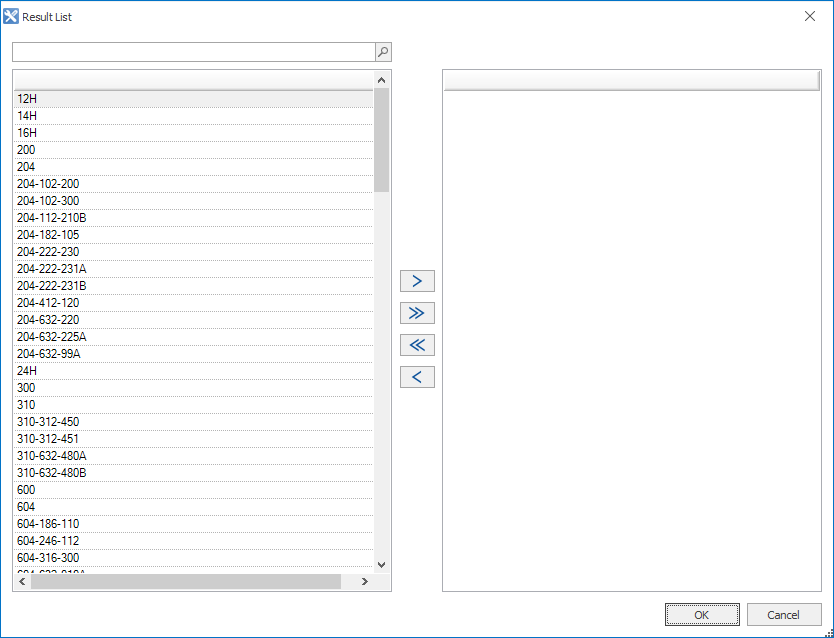
|
|
|
|


To change your selection, clear the current selection by clicking Clear Filters  before you can open the results list.